From dimensions to dieline.

Choose a standards-based FEFCO, ECMA, rigid-box or bag structure, enter the required dimensions, and inspect its dieline and 3D fold from the same parametric model.

248 parametric templates in the catalogue

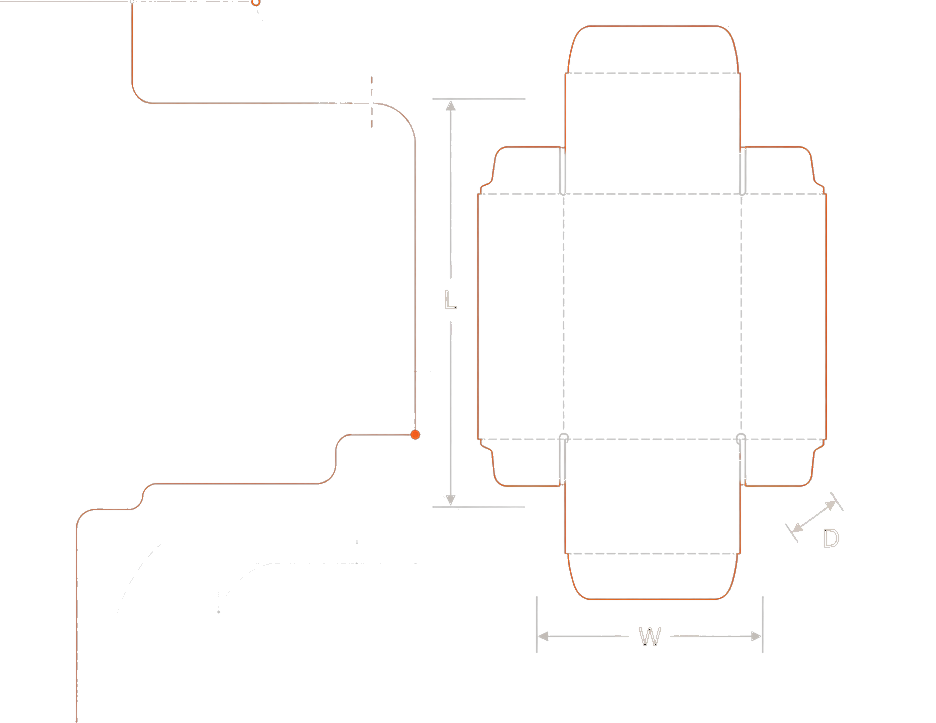
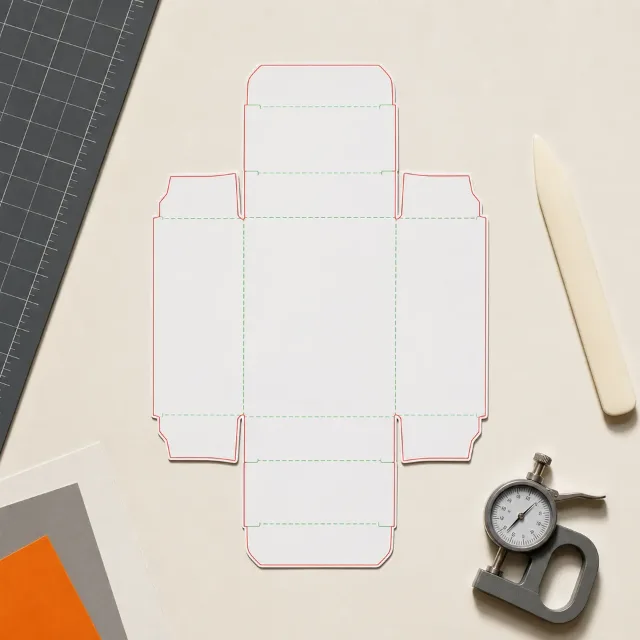
Technical carton dieline with length, width and depth measurement rails
Scroll

Explore packaging structures.

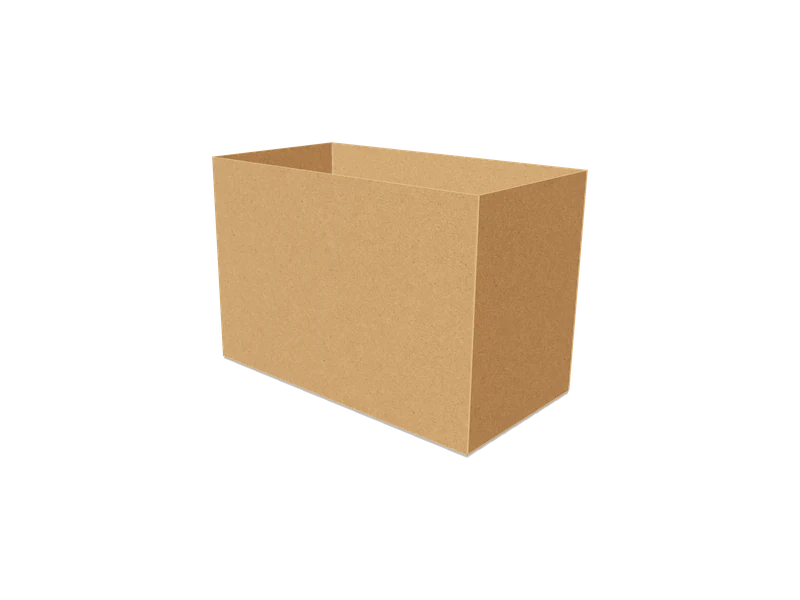
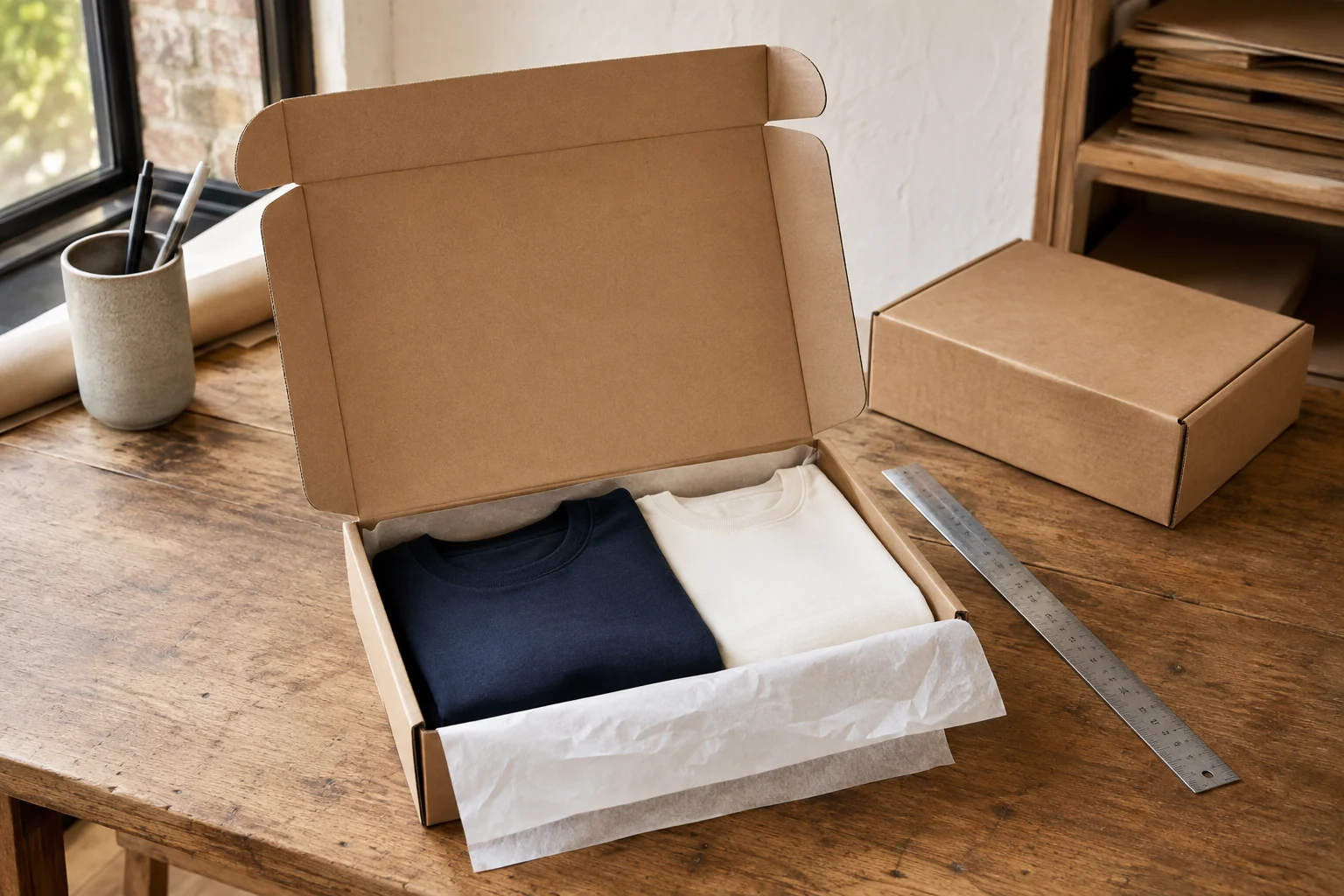
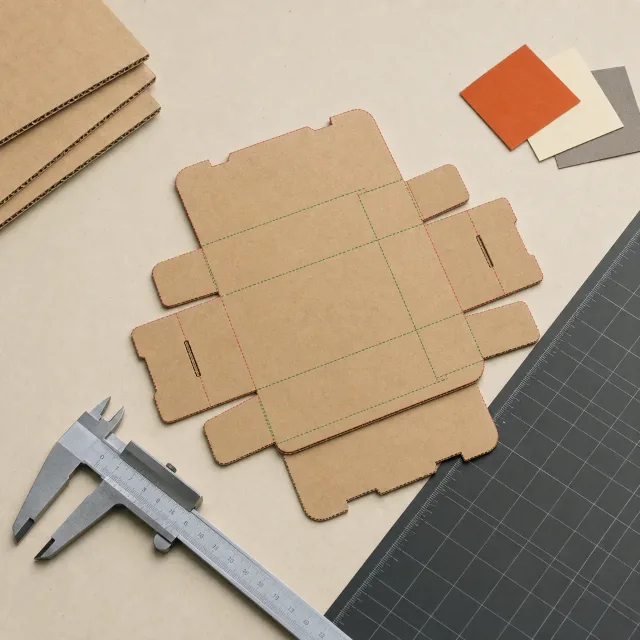
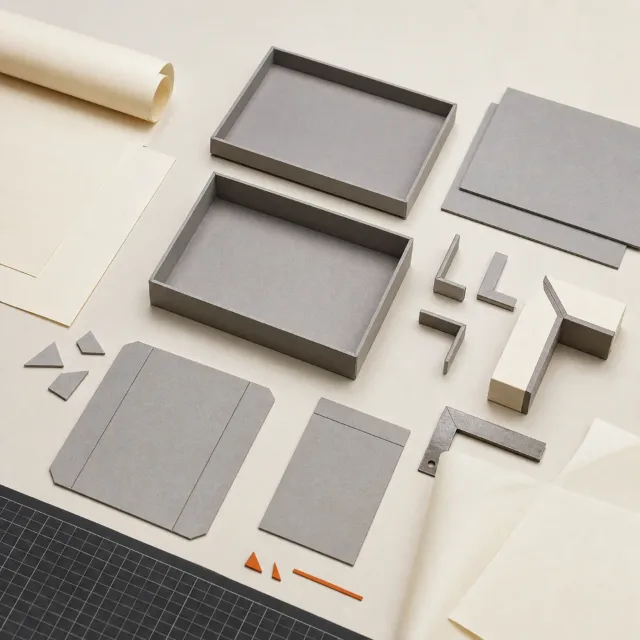
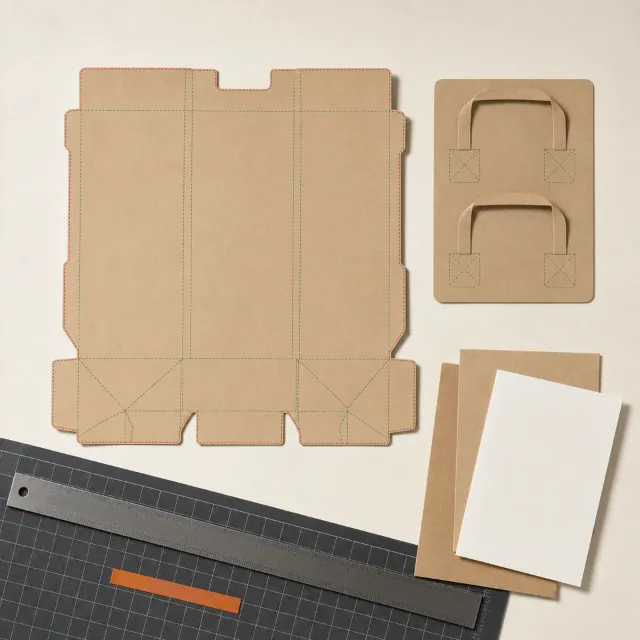
Four standards-led families, each represented by an original material and construction study.

ONE PARAMETRIC MODEL

Drawn flat. Folded live.

Every template is a standards-based parametric structure: the same model draws the 2D dieline, folds it in 3D and carries artwork onto the finished package.

DIELINE GENERATION

The template does the drafting.

Choose a FEFCO, ECMA, rigid-box or bag structure and enter the dimensions it validates. Packdroid draws every cut and crease line and exports production-ready SVG.

Start product tour

Sign in is required to open the interactive sample tour.

Display & Shelf-Ready Box — Open Top, Tuck Base (Model 3)MM
L (length)150mm
W (width)80mm
D (depth)100mm
Thickness0.5mm
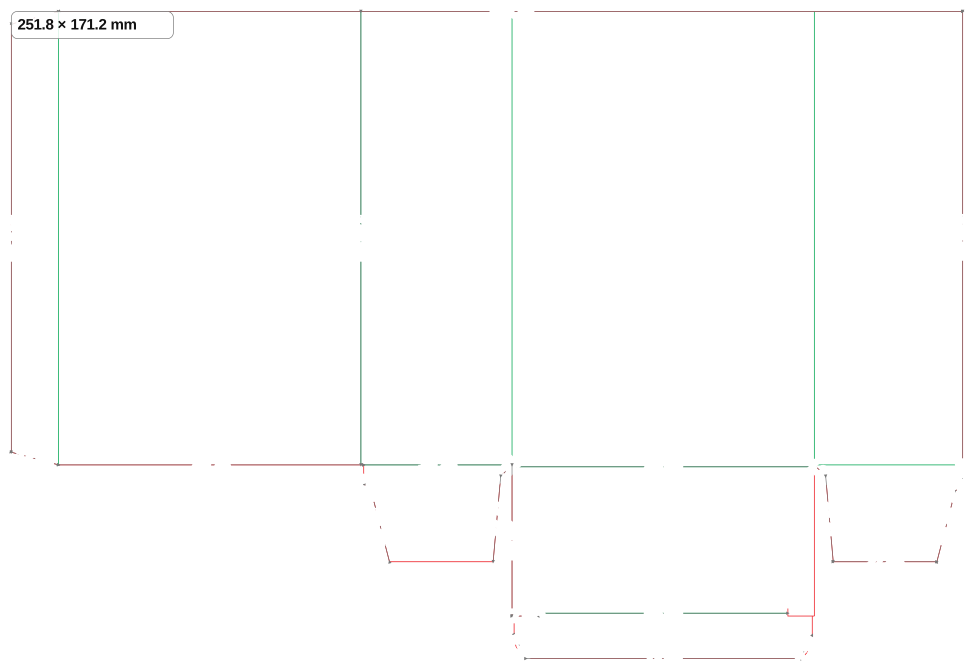
Display & Shelf-Ready Box — Open Top, Tuck Base (Model 3) dieline showing cut and crease lines

3D FOLD PREVIEW

Watch flat dieline become the box.

The fold preview is generated from the same parametric model as the dieline, not redrawn beside it. Inspect panels, flaps and closures in 3D before anything reaches the cutting table.

See every structure fold
Display & Shelf-Ready Box — Open Top, Tuck Base (Model 3)
Display & Shelf-Ready Box — Open Top, Tuck Base (Model 3) — flat dieline folding into the finished 3D form

MOCKUP GENERATOR

Artwork on the folded structure.

Place artwork directly on the flat dieline, then inspect it wrapped around the folded package in 3D — structure and print stay on the same parametric model.

Three steps to a generated dieline.

01

Choose a template

Browse FEFCO, ECMA, rigid-box and bag structures.

02

Enter the dimensions

Provide the measurements required by the selected structure.

03

Generate the dieline

Review the 2D layout, then watch the same structure fold in 3D.

Notes from the cutting table.

Long-form working notes from the Packdroid team, published through the product blog.

Read the blog

The first workshop note is being prepared.

Until it arrives, the standards guides cover the codes and structures behind the catalogue.

Explore the guides

What changed in the workshop.

A concise release ledger for the catalogue, studio and rendering engine.

Open the newsroom

Every dieline in the catalogue, from $9 a month.

Dieline generation runs in the browser, billed monthly. Compare what each price includes and check the access and export limits against your workflow.

Practical answers before you begin.

A dieline is the flat structural layout of a package, including panels, cut lines, creases and other production references.

The catalogue contains FEFCO, ECMA, Rigid Box and Bags.

Yes. Each template exposes its own validated dimension and material parameters.

Yes. The editor includes an interactive 3D fold preview generated from the same parametric model as the 2D dieline. Downloadable 3D model files are not available yet.

Yes. Add artwork on the 2D dieline, position it on the print surface, and inspect the result wrapped around the folded package in 3D.

Use the generated layout as a structural starting point, then review final dimensions, tolerances, tooling and material behavior with your packaging manufacturer before mass production.

Create your next dieline in the browser.

Choose a supported template, enter its dimensions and review the resulting 2D layout.

Try the sample Browse all templates