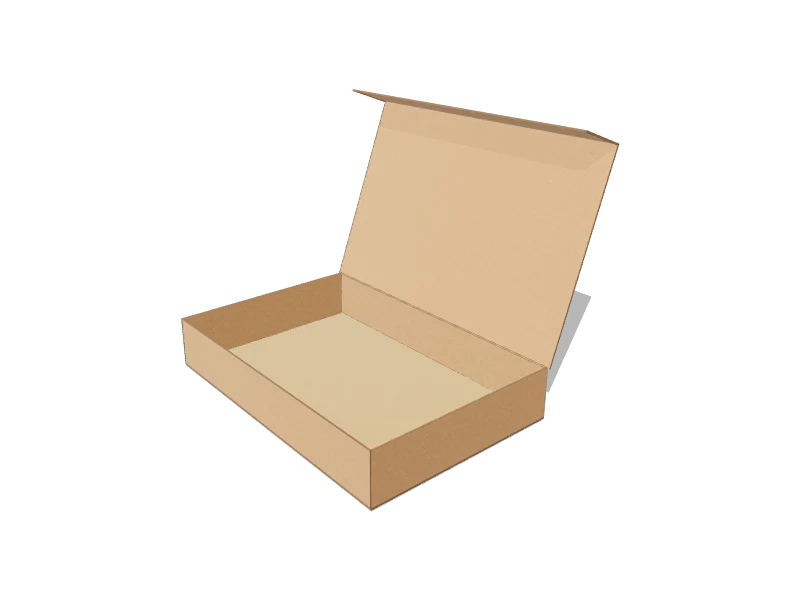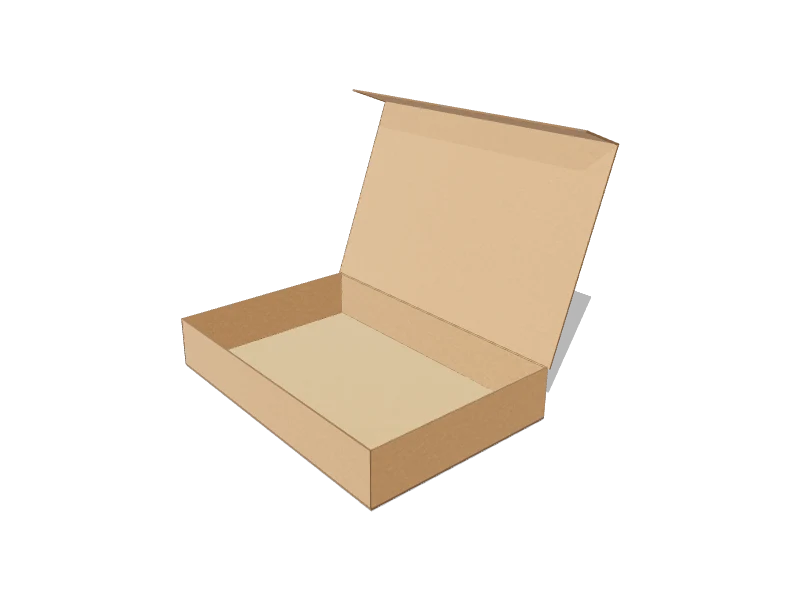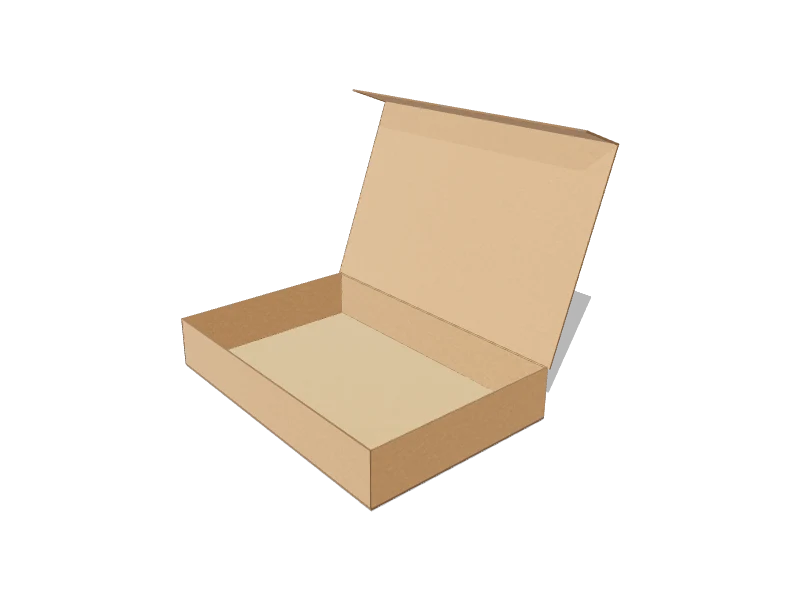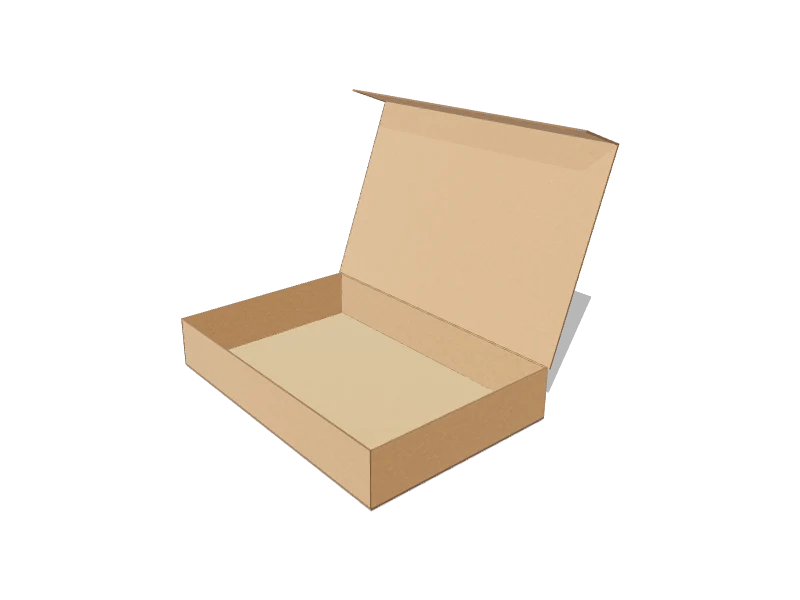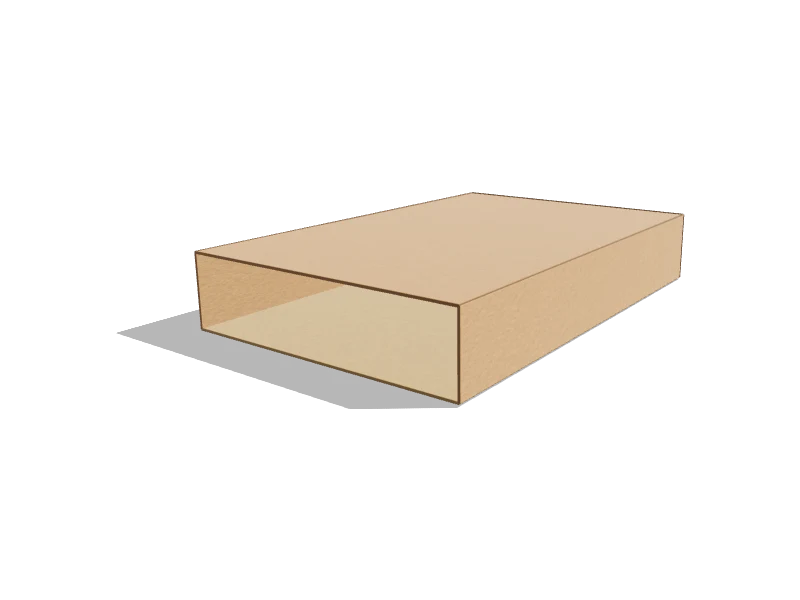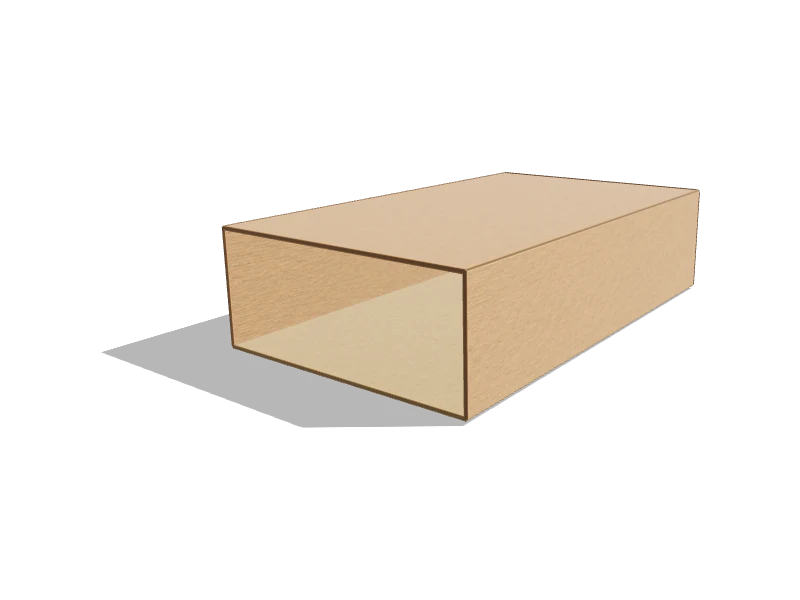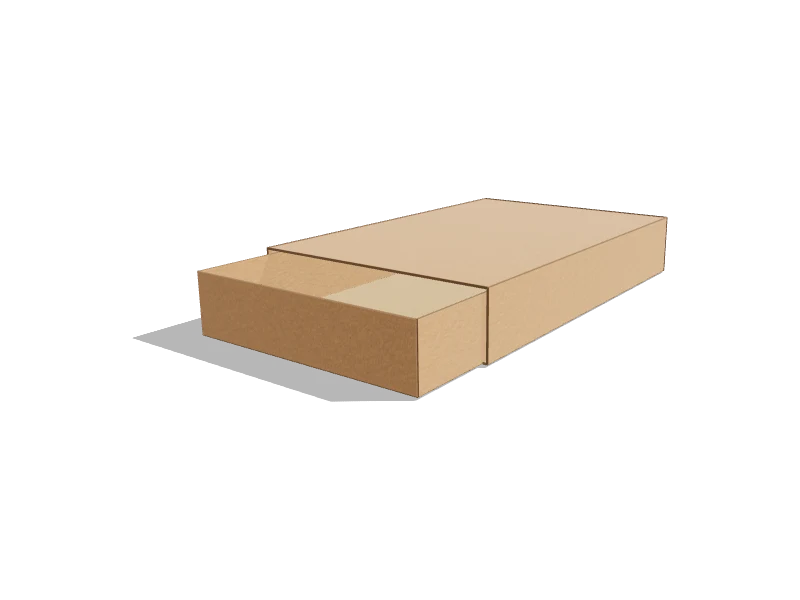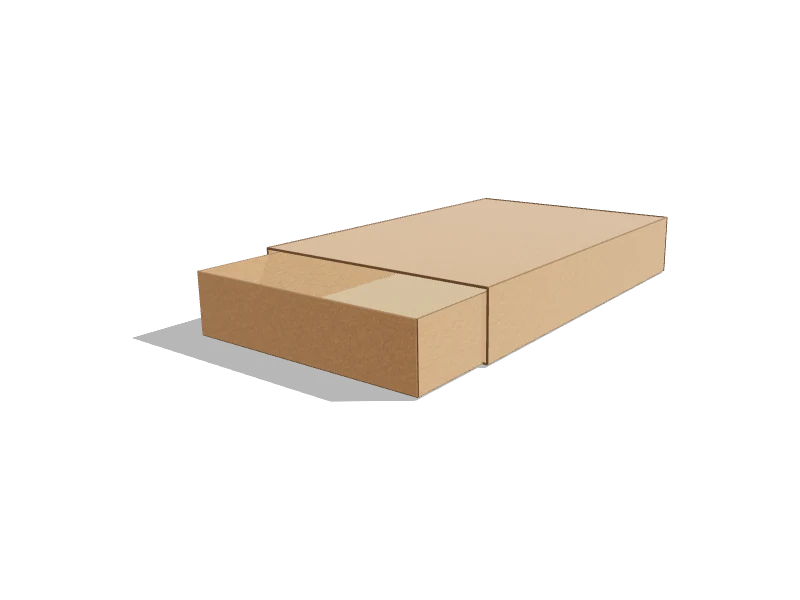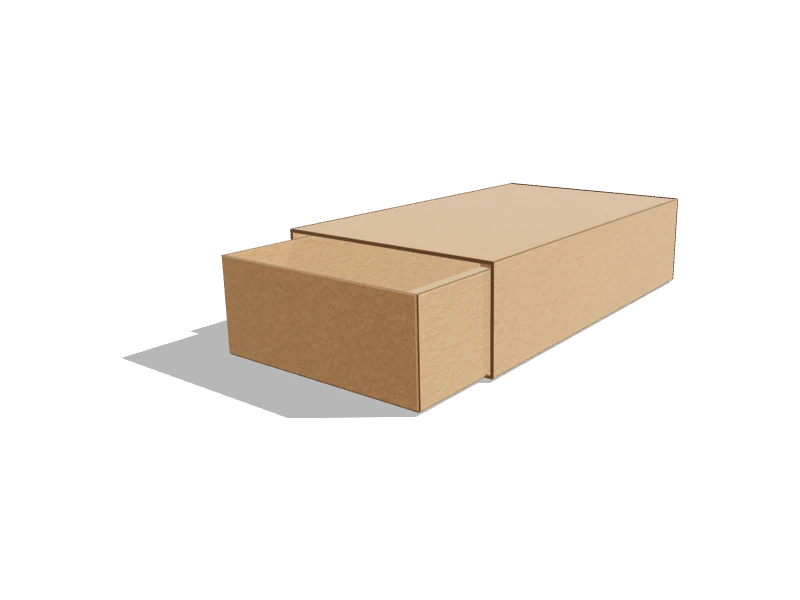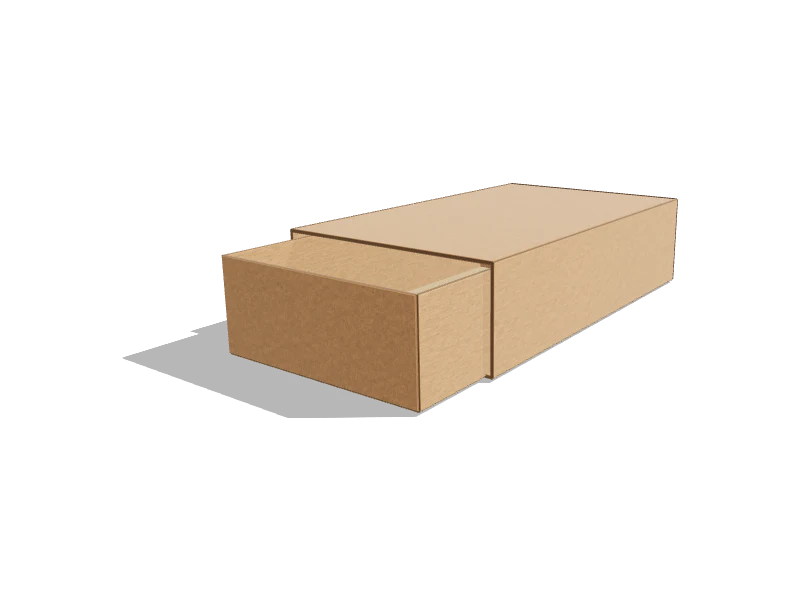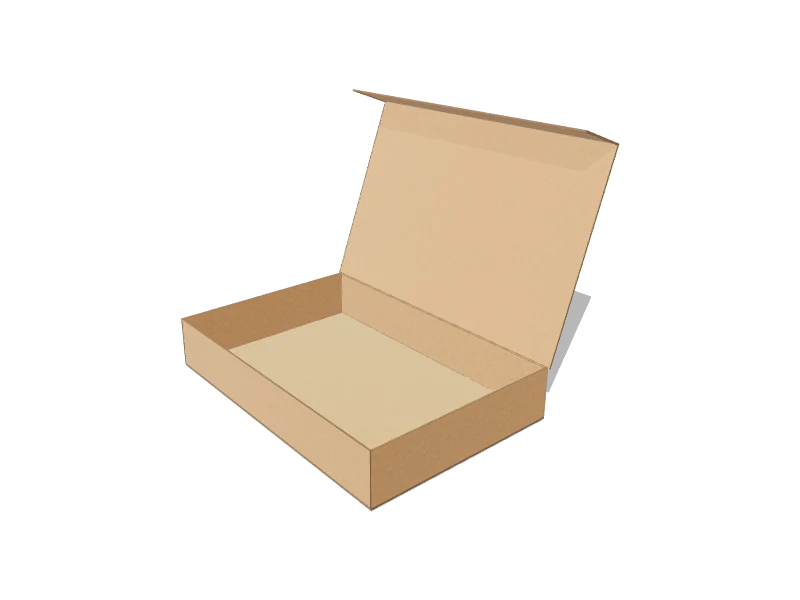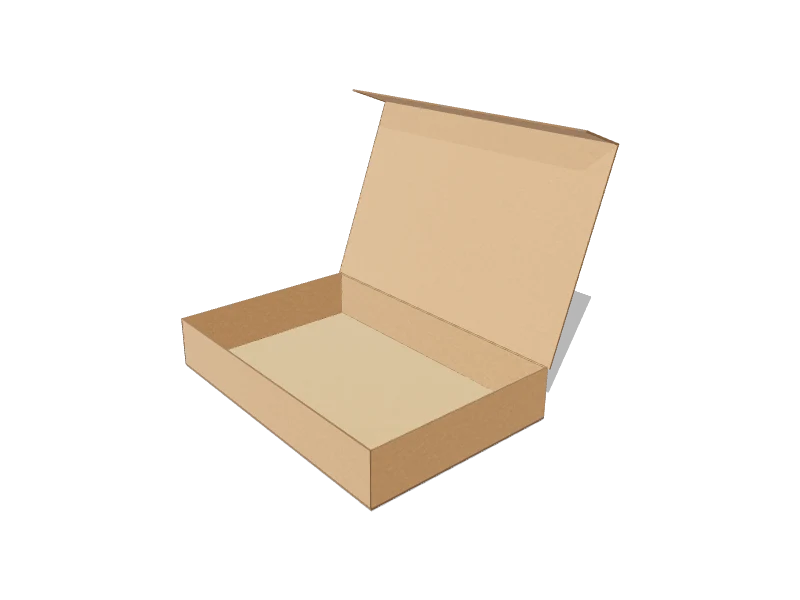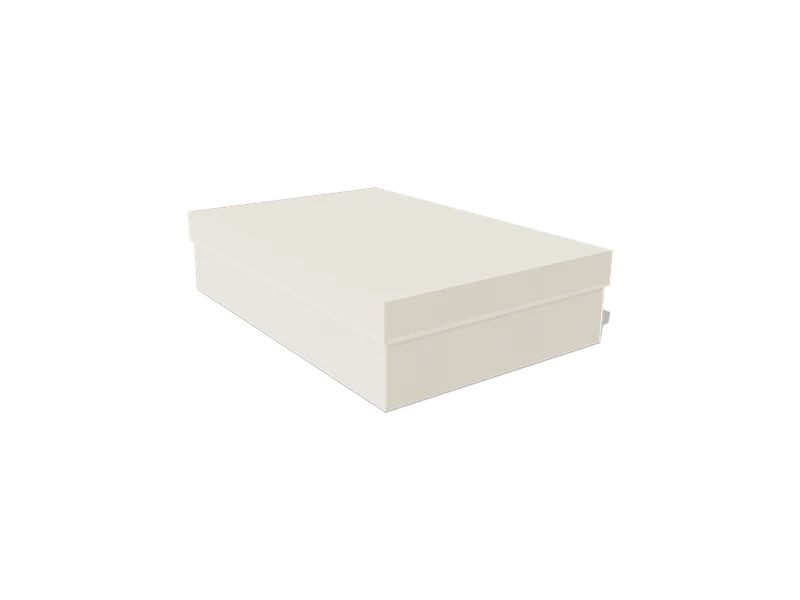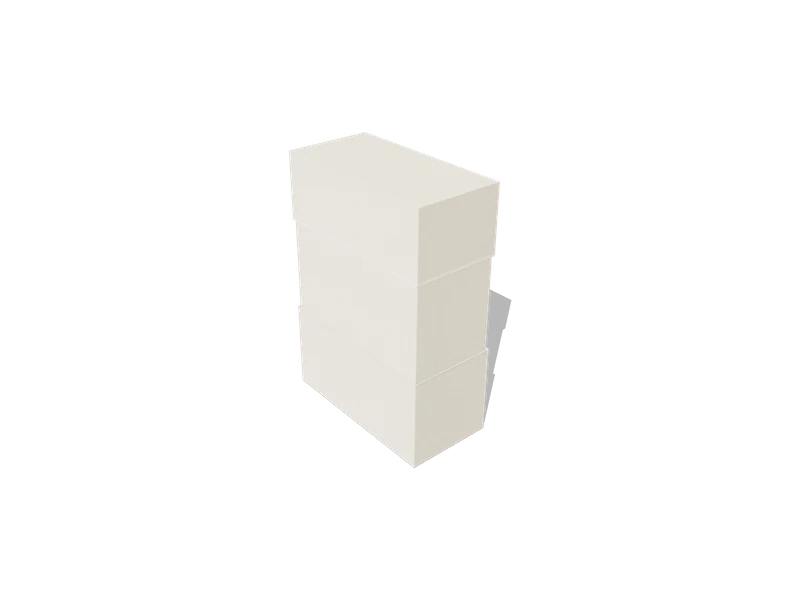
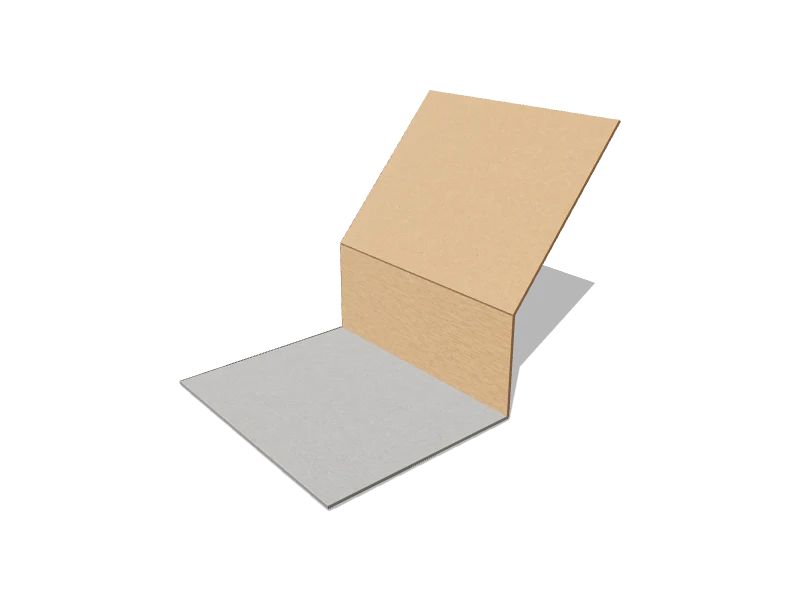
Rigid Box2D DIELINE3D FOLDED
Gift Box — Book-Style Rigid
PD-BC01 · 4 configurable parameters
Create dielineRIGID BOX CATALOGUE
Choose a rigid-box model, enter its dimensions, and generate the related component dielines. Supported templates also provide a 3D assembly preview.
A rigid box is built around a strong greyboard core that is cut, formed and covered. Depending on the construction, it may be supplied assembled or designed to fold. These boxes are used for perfume, electronics and premium gift packaging.
Structurally it is a different discipline from folding cartons: the board does not crease into hinges; components are formed and joined, and the covering material wraps the assembly.
Where a folding carton is usually one die-cut blank, a rigid box is a small kit: a base, a lid, and depending on the construction, trays, wraps or connecting components. Each part has its own blank with its own dimensions — and they must agree with each other for the box to close properly.
That is why these templates are described as multi-piece structures with construction-specific parameters: configuring one produces the set of related blanks, not a single drawing.
Board thickness affects the fit of every rigid-box component. A telescoping lid must clear its base, and a tray must fit between walls that take up real space.
Handling that arithmetic is exactly what a parametric model is for — change an internal dimension or a construction parameter and the dependent component blanks update in step, keeping the fit relationships intact.
The catalogue includes several rigid-box constructions. Open a template to see its component dielines, supported dimension ranges and the parameters that distinguish that model.
On supported templates, the 2D output and 3D preview come from the same parametric model.
The greyboard core of a rigid box is rarely what the customer sees: a covering material — printed paper, specialty stock or cloth — wraps each component, turning in over the edges and into the interior. The wrap needs its own blank with turn-in allowances derived from the same dimensions as the board it covers, which is why wrap geometry belongs in the parametric model rather than in a separate manual drawing.
Corners deserve particular attention. Whether they are cut and taped or stay connected through the construction, corner treatment decides how crisp the finished box looks and how much handwork or machine capability production requires. Discuss the corner style your line supports with your manufacturer early — it can rule construction options in or out before any dieline detail matters.
Choose rigid when the unboxing moment, stiffness and perceived value justify assembled shipping and a higher unit cost; choose a folding carton when flat delivery, line-speed erection and lower cost dominate. Many product lines use both — a rigid outer for the flagship, cartons for the range.
The catalogue makes that comparison concrete: configure the same product dimensions here and in the ECMA family, then compare the resulting structures, material areas and assembly implications side by side. Whichever direction you take, confirm board caliper, wrap material and tolerances with your manufacturer before committing tooling.
16 templates
PD-BC01 · 4 configurable parameters
Create dieline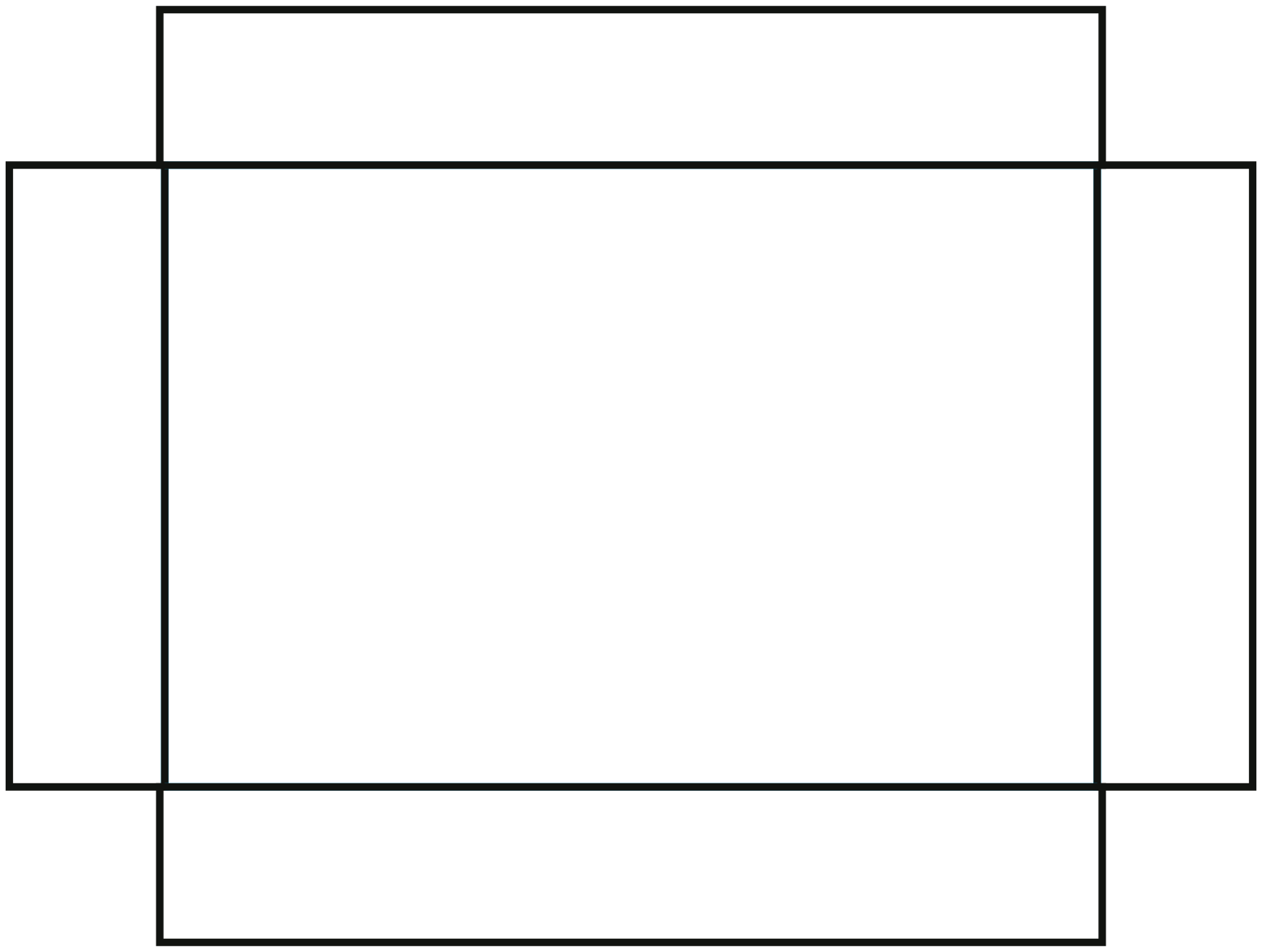
PD-BC02 · 5 configurable parameters
Create dieline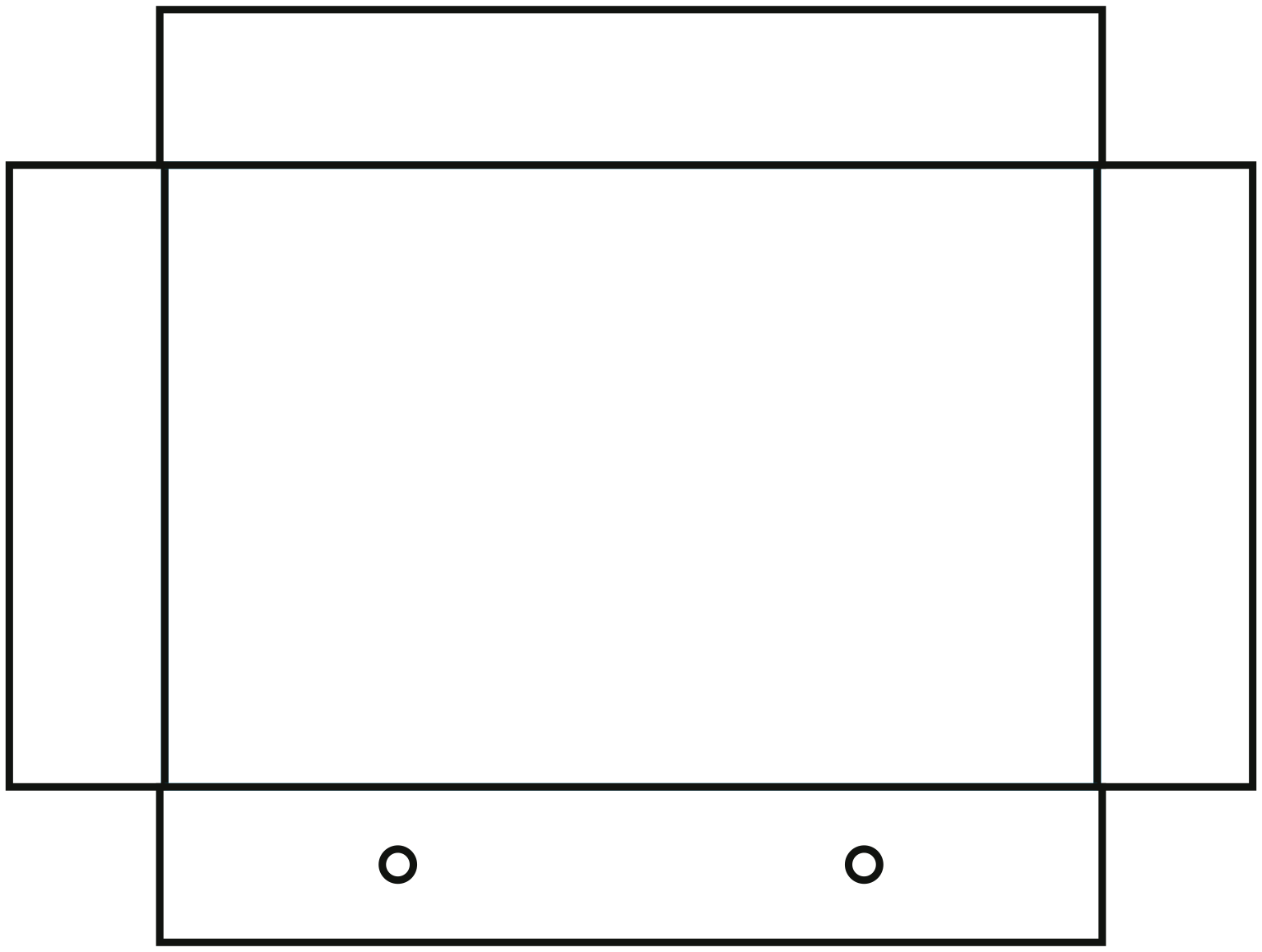
PD-BC03 · 6 configurable parameters
Create dieline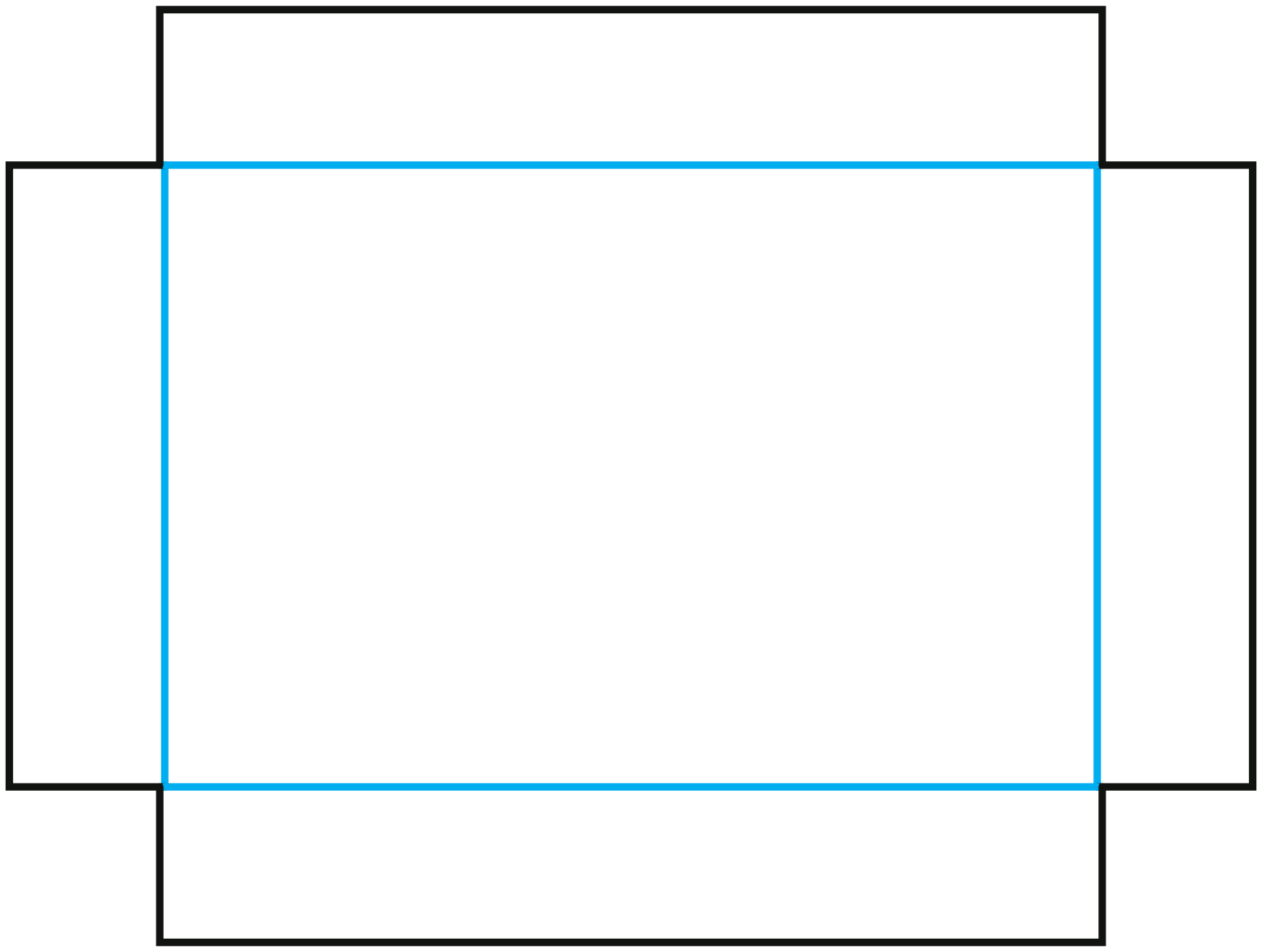
PD-BC04 · 6 configurable parameters
Create dieline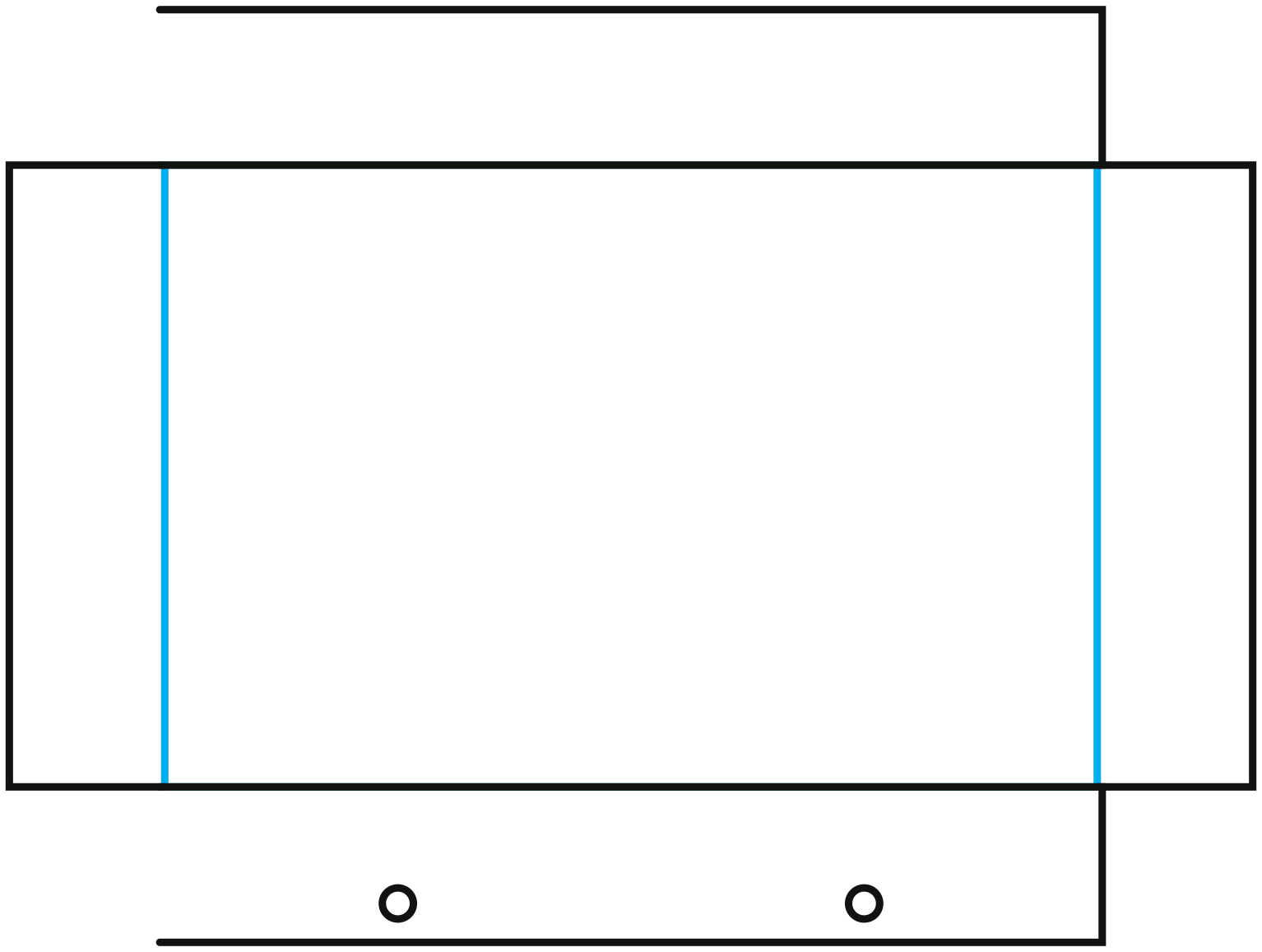
PD-BC05 · 6 configurable parameters
Create dieline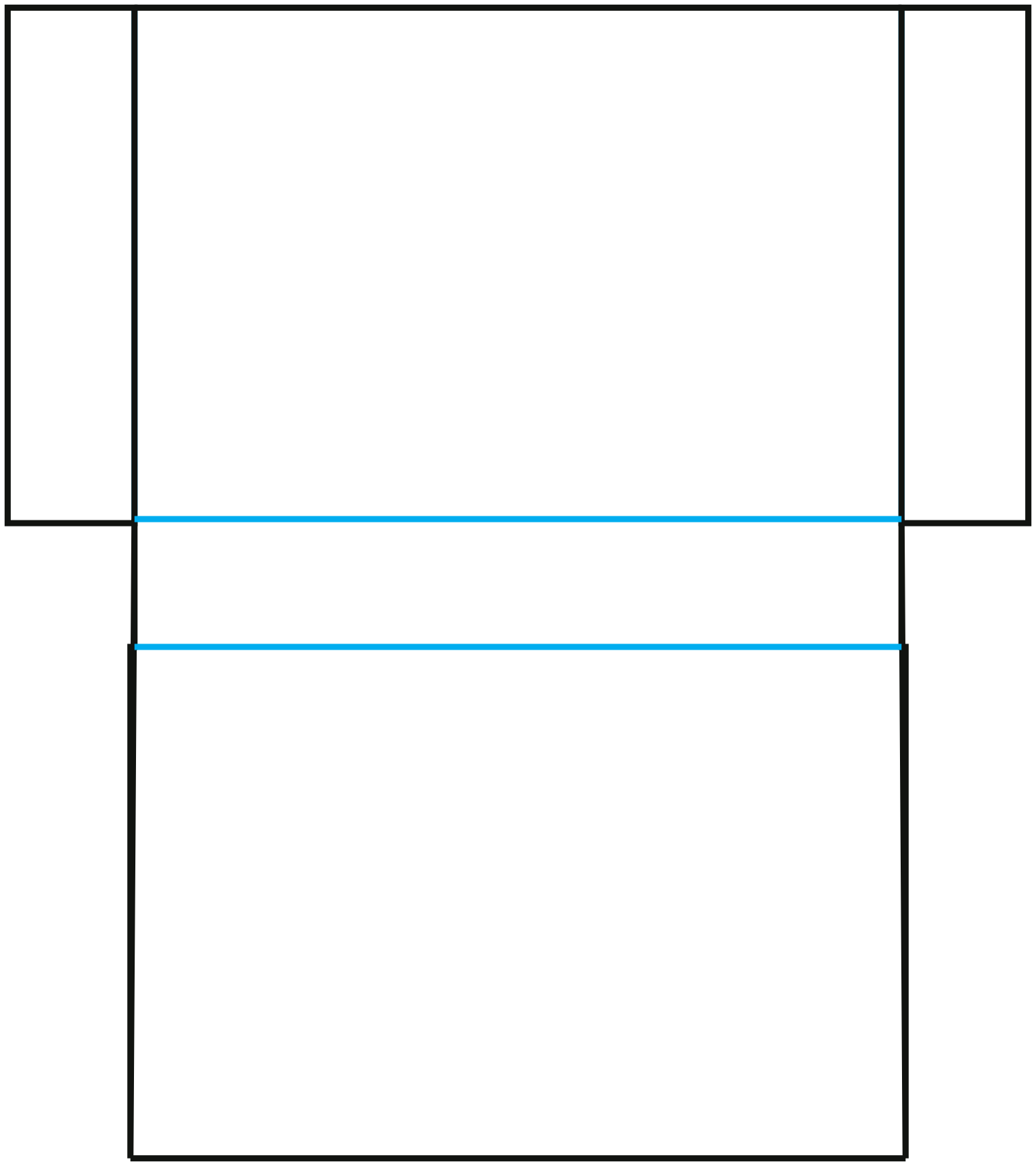
PD-DR01 · 4 configurable parameters
Create dieline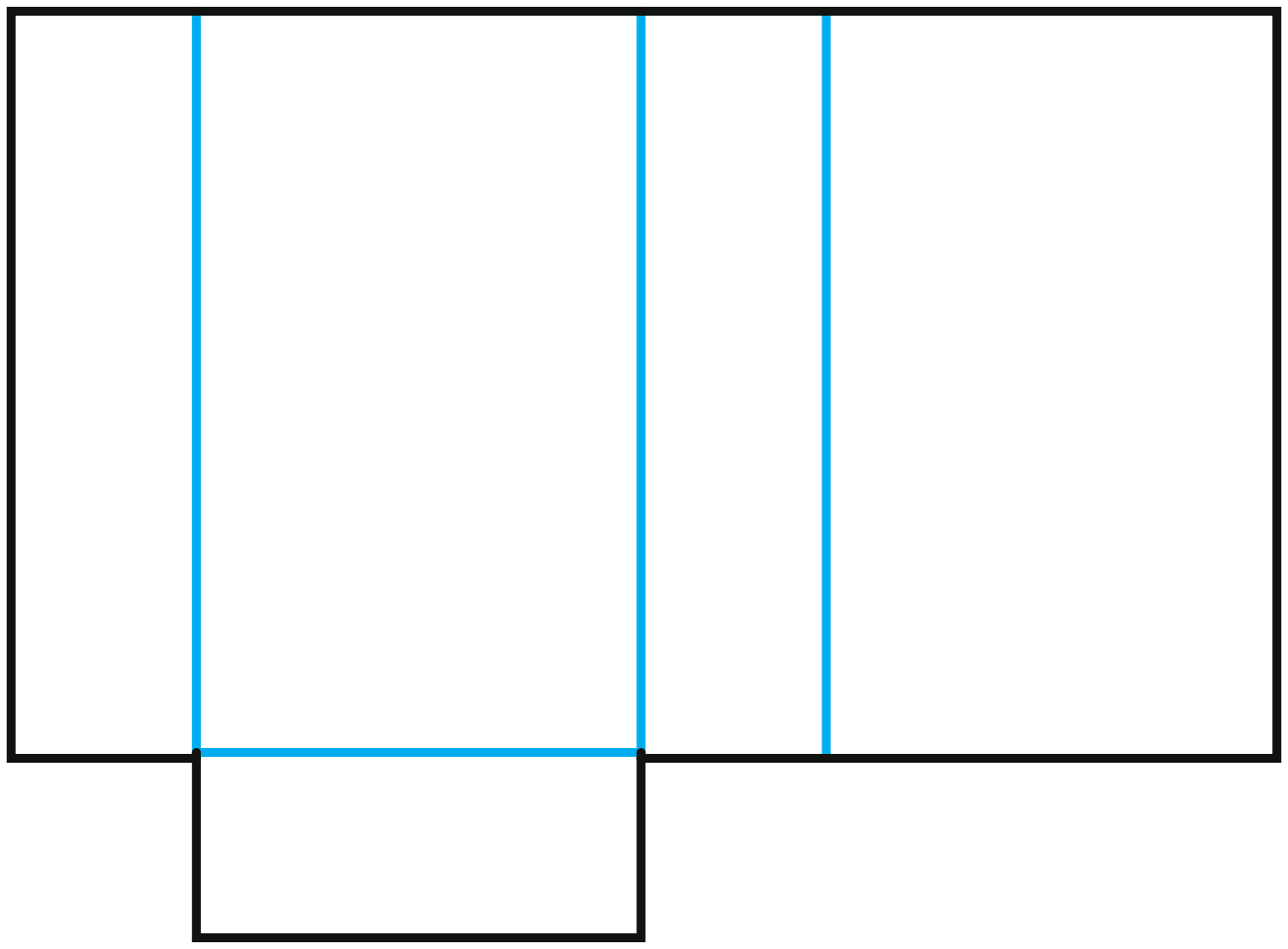
PD-DR02 · 4 configurable parameters
Create dieline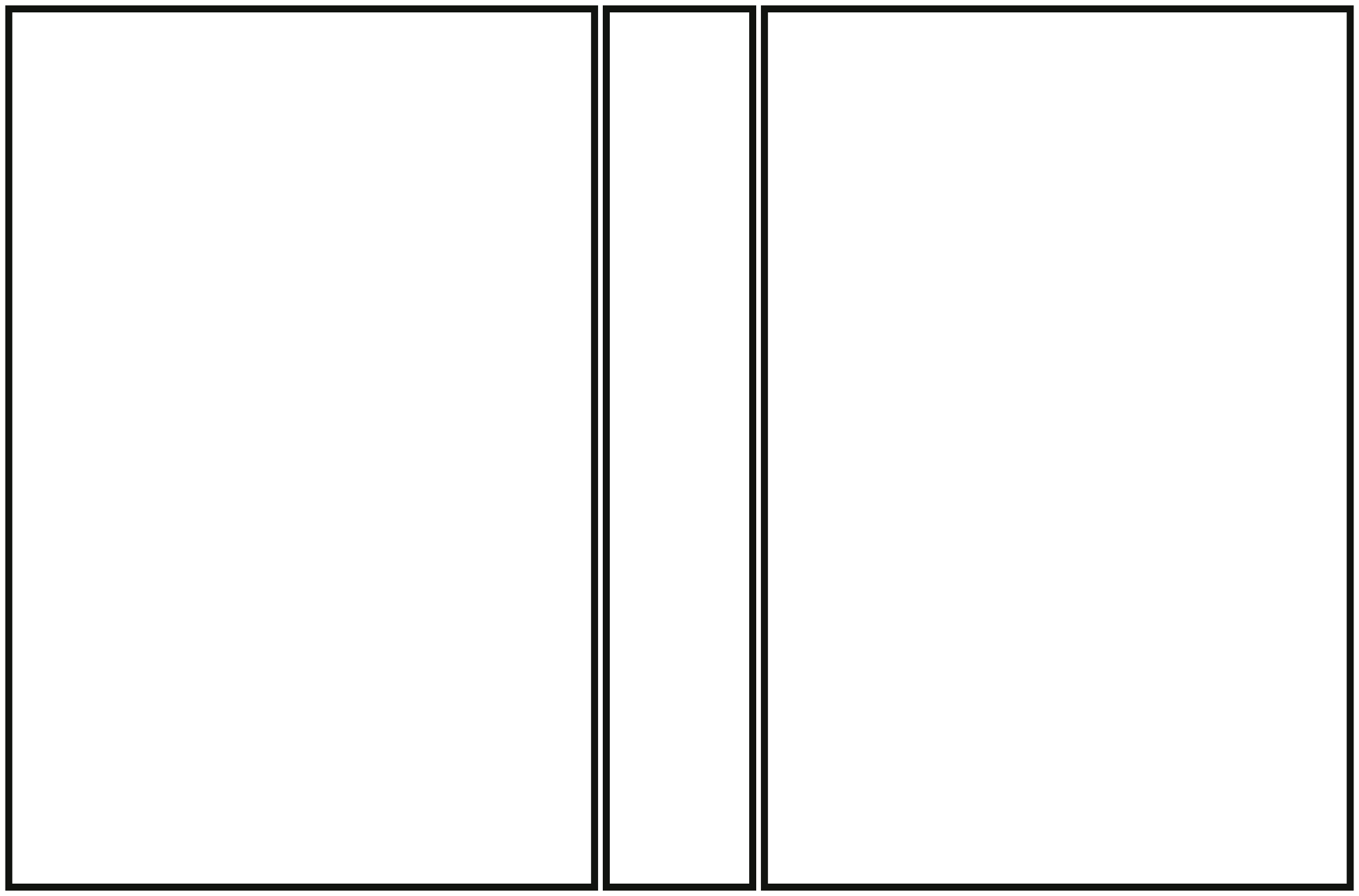
PD-DR03 · 5 configurable parameters
Create dieline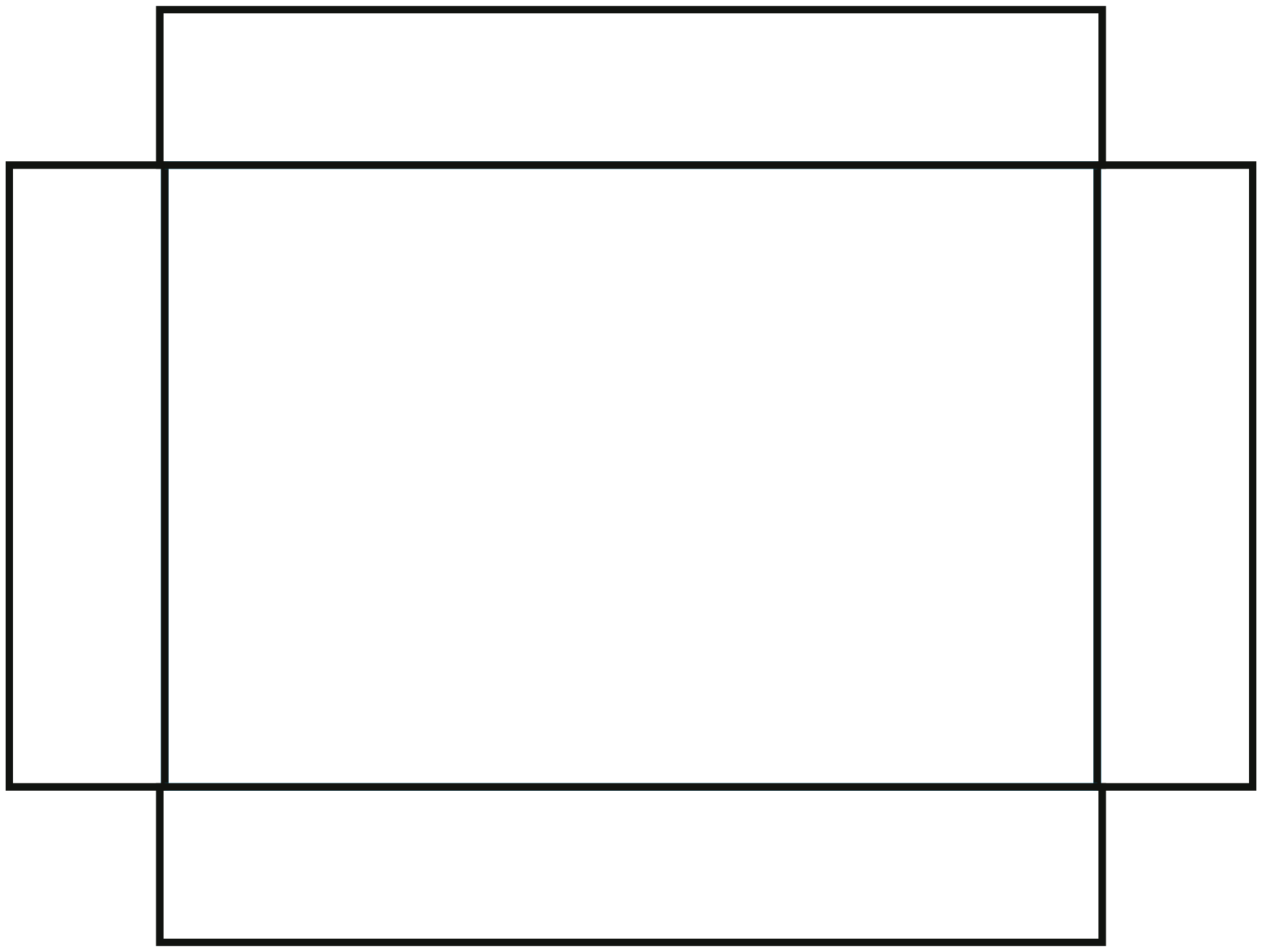
PD-DR04 · 5 configurable parameters
Create dieline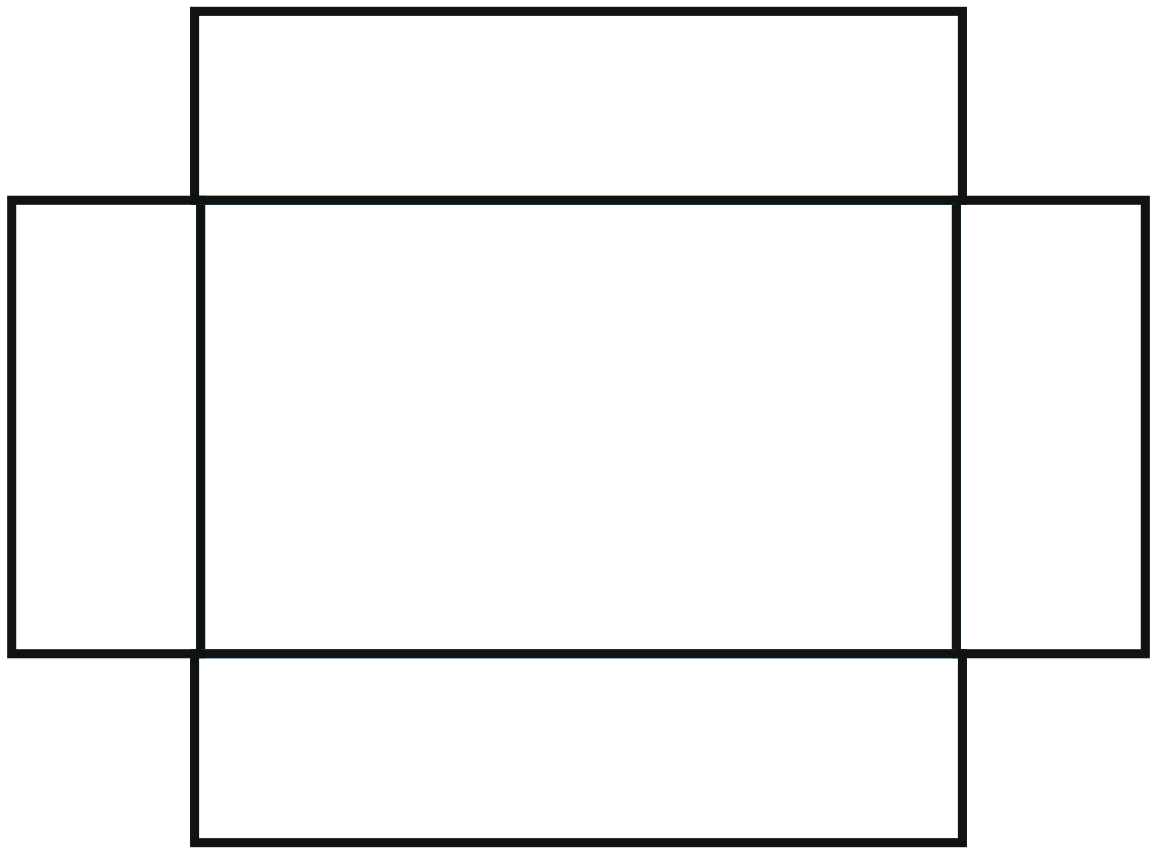
PD-DR05 · 5 configurable parameters
Create dieline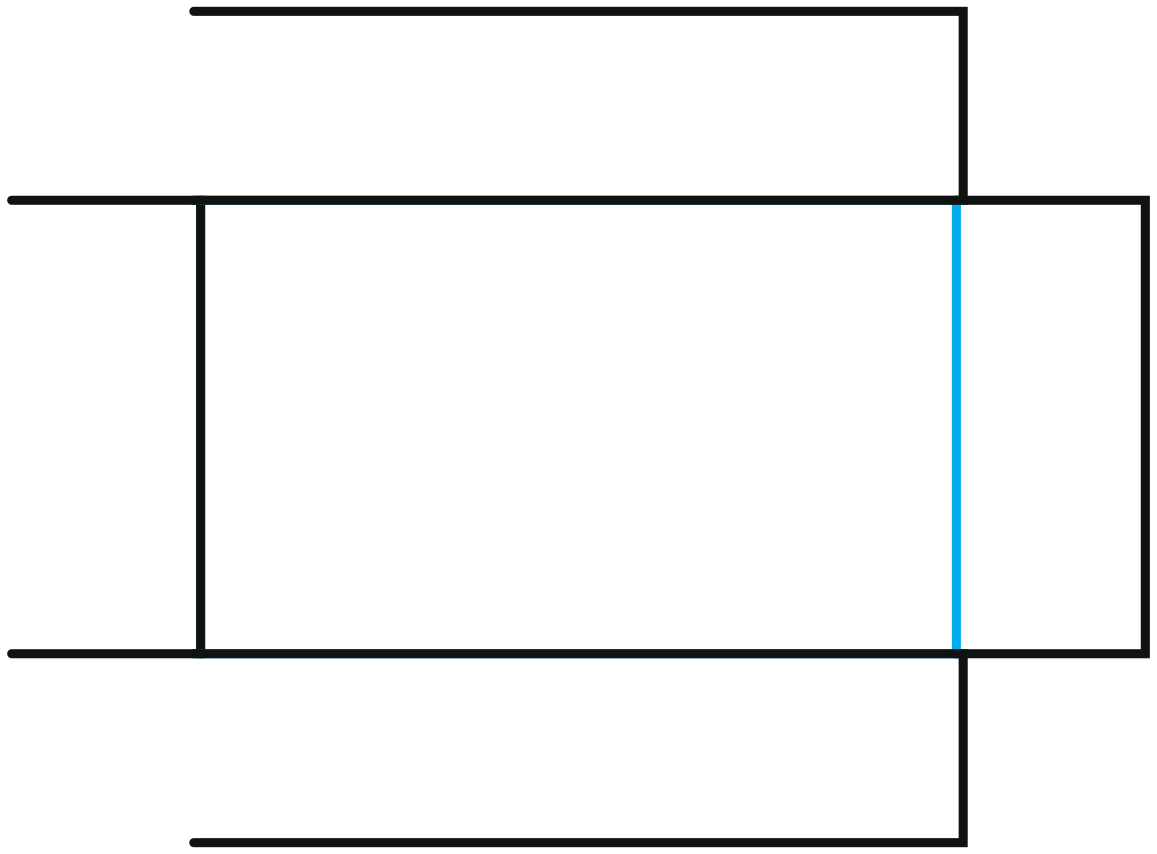
PD-DR06 · 5 configurable parameters
Create dieline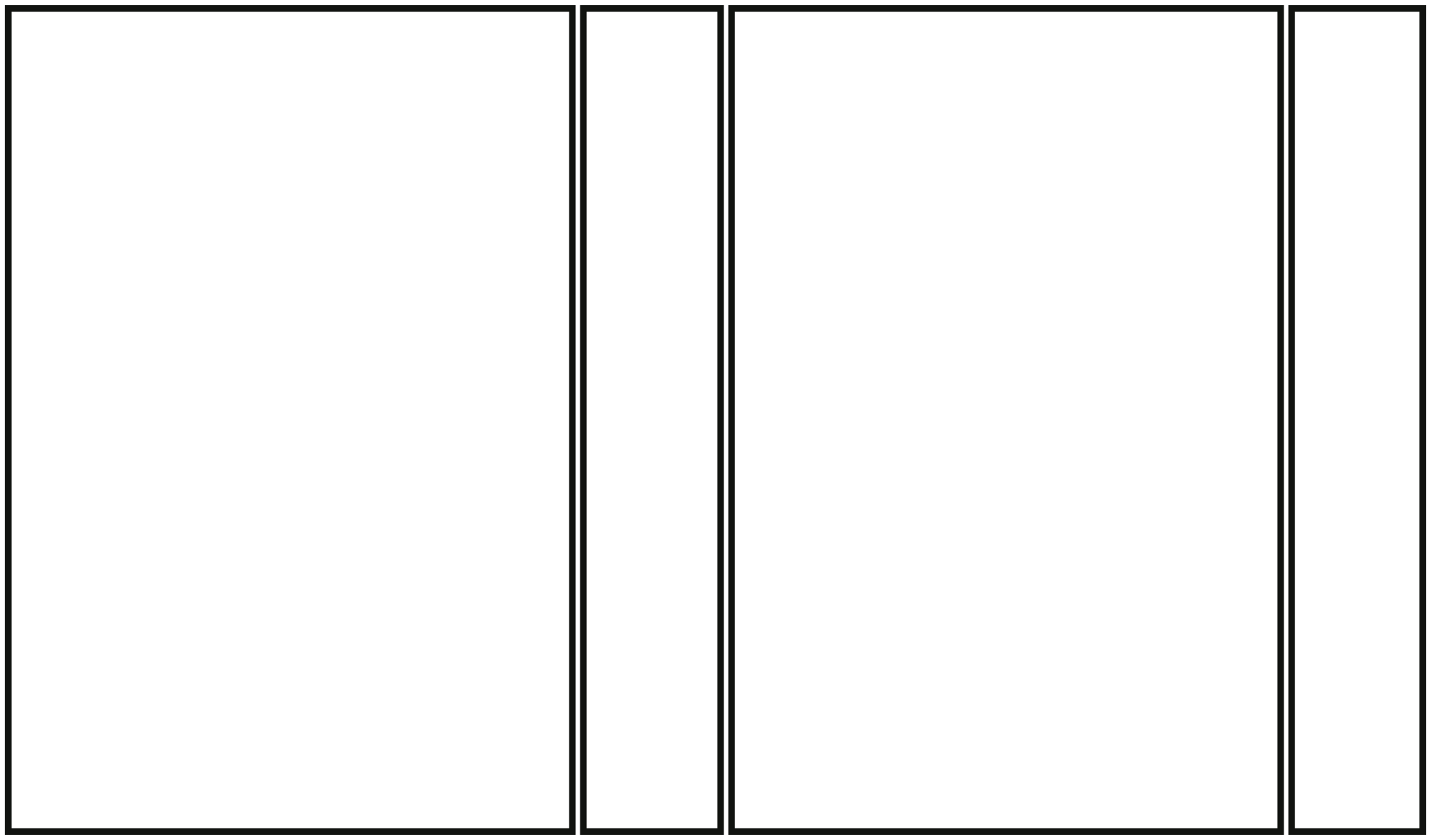
PD-FW01 · 5 configurable parameters
Create dieline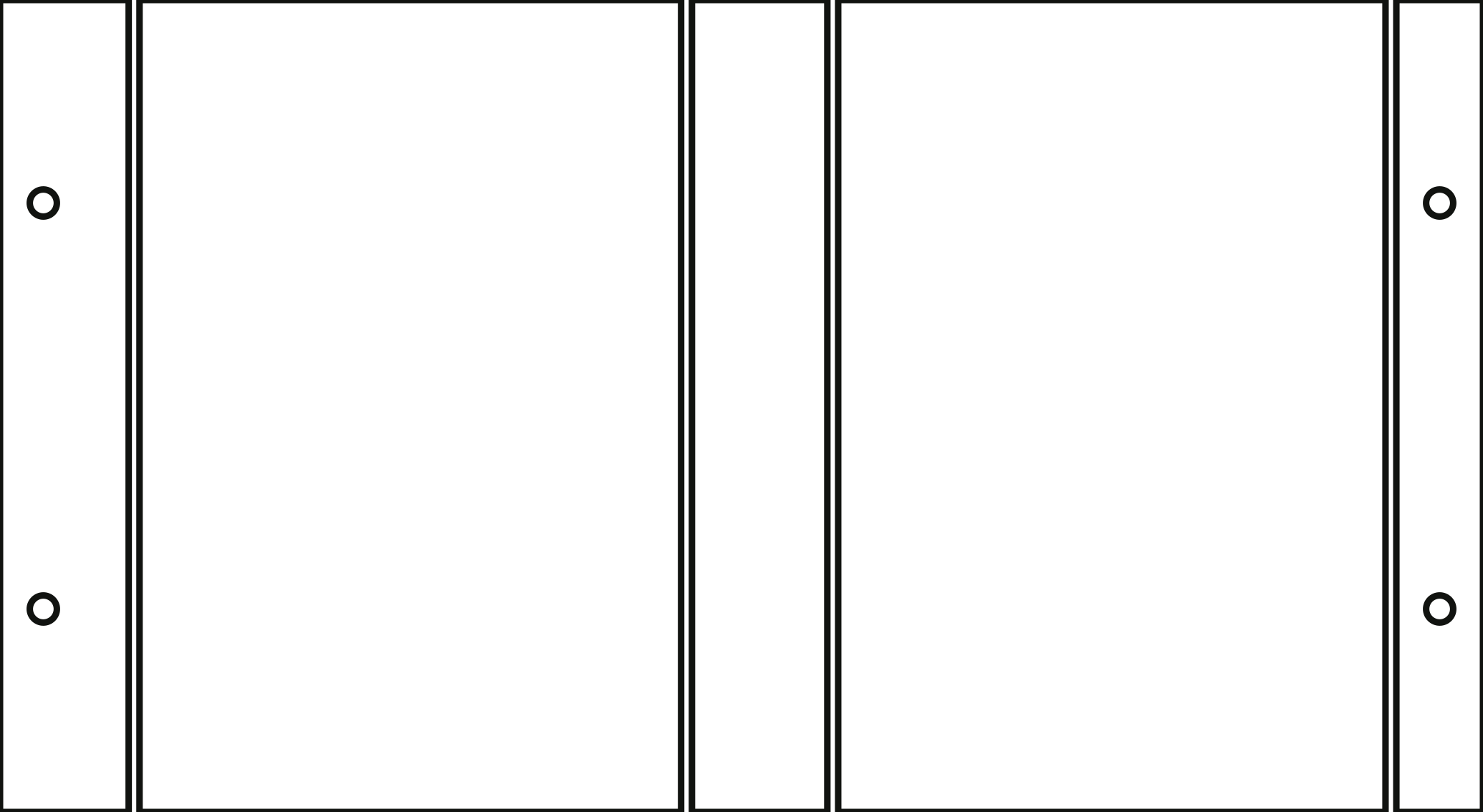
PD-FW02 · 6 configurable parameters
Create dieline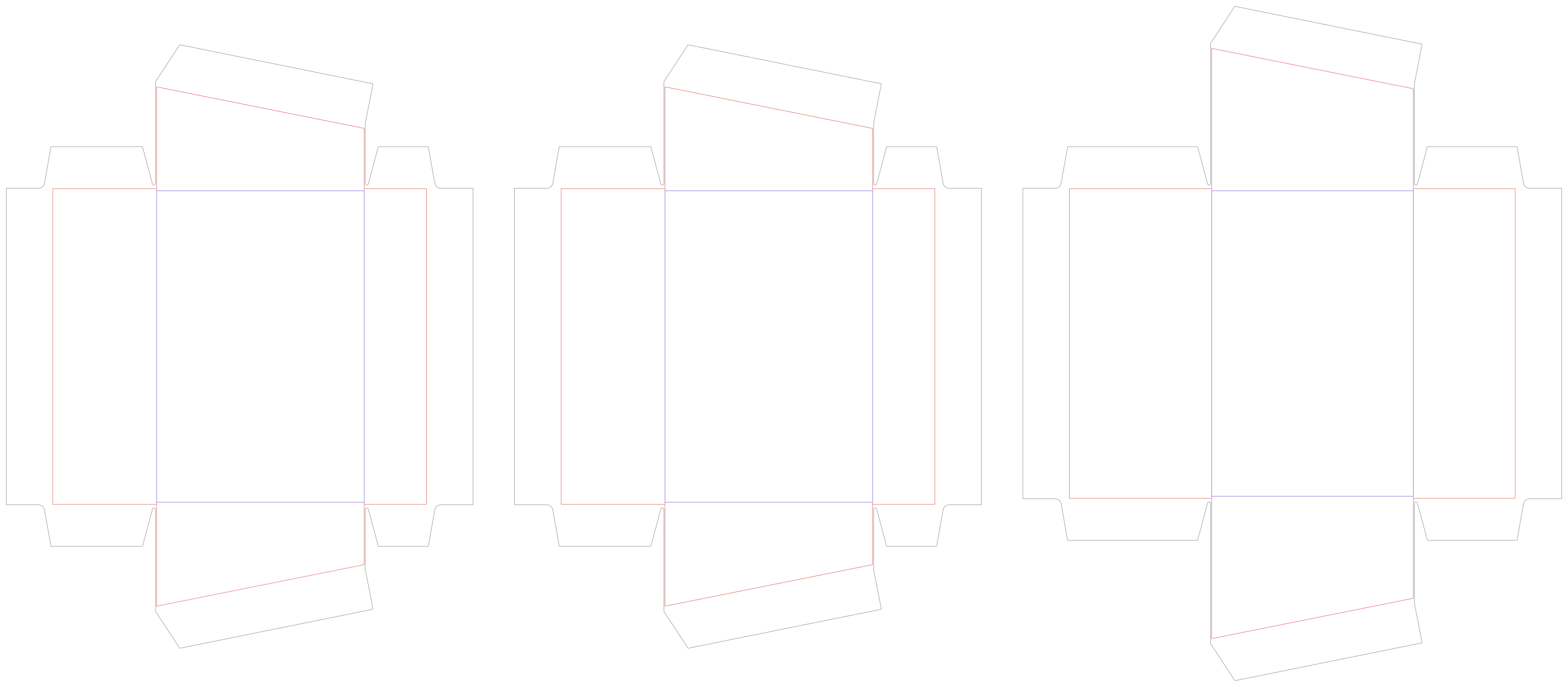
PD-RB01 · 7 configurable parameters
Create dieline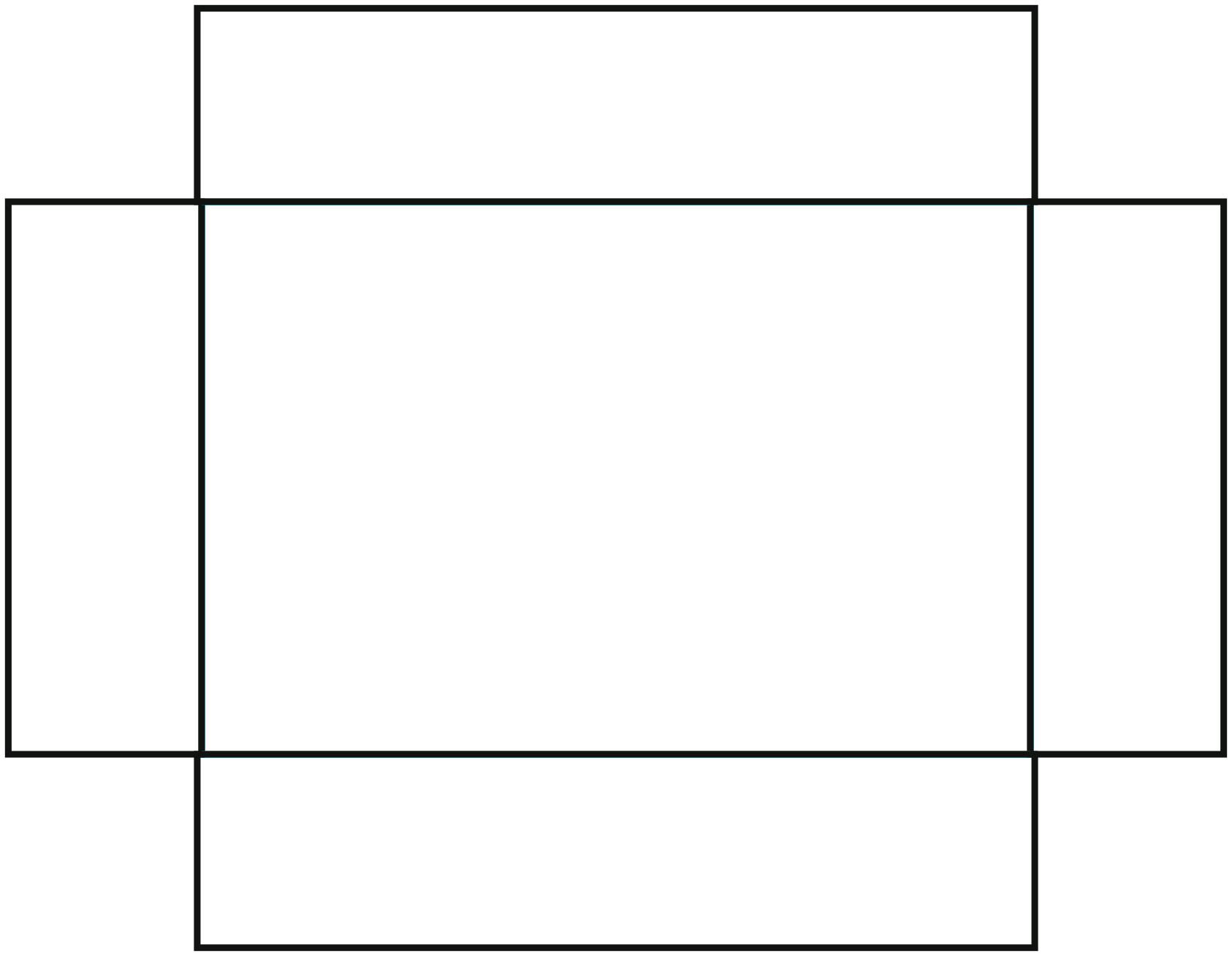
PD-TL01 · 6 configurable parameters
Create dieline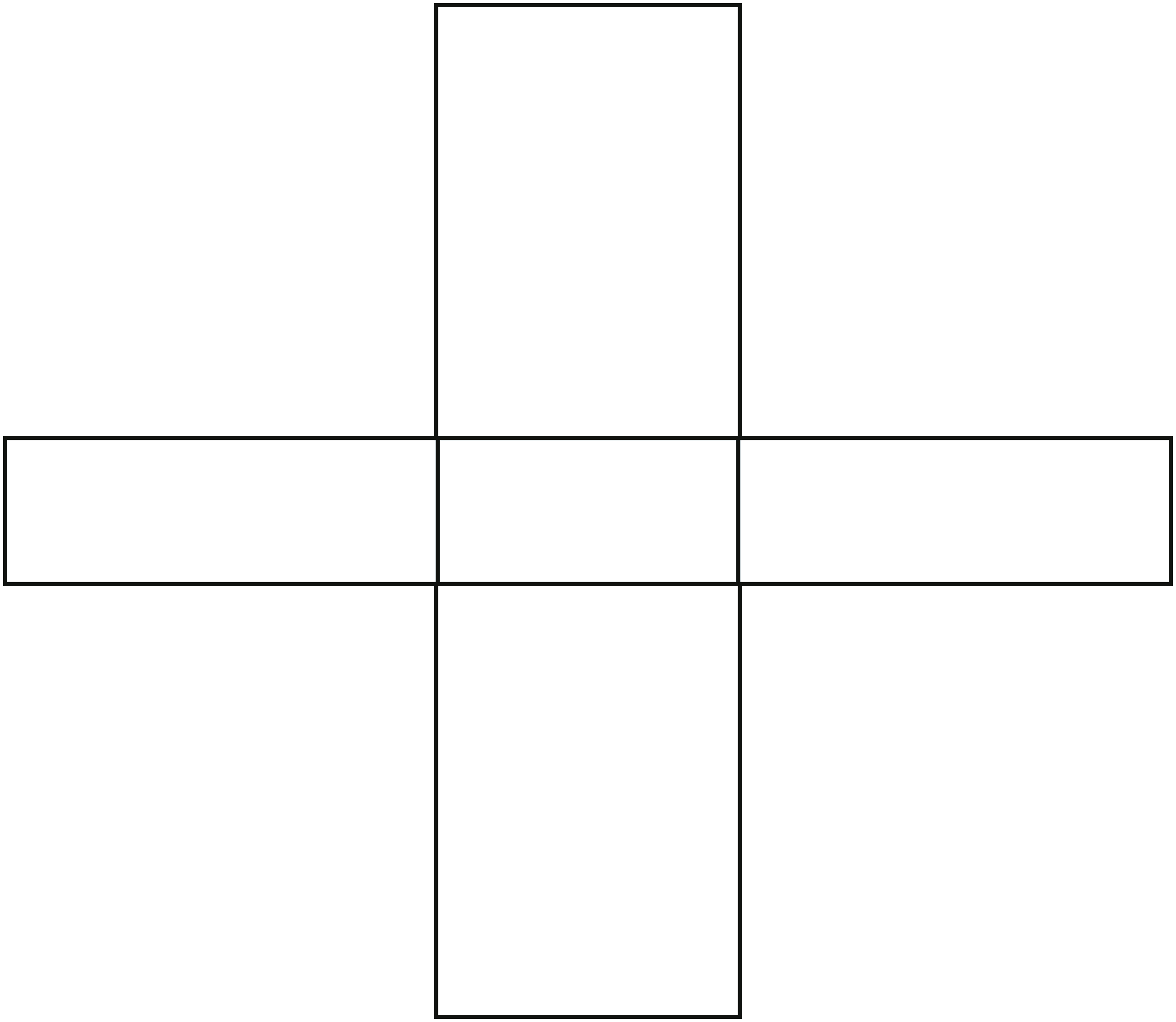
PD-TL02 · 7 configurable parameters
Create dieline